Decks and docs: client deliverables Vocion builds, edits and prints
A deck joins the document as a client deliverable in Vocion. Vocion drafts it from the data room, checks every slide, lets you edit it in place, presents it and prints the PDF. PowerPoint, Word, Google and any assistant are optional round trips that come back as new, re-audited versions.
Status: shipped in v7.3.0. Docs: Decks and docs. It is part of the proposals plugin, so a workspace with plugins: [proposals] has it.
Proposal decks used to live in one person's editor. The deck was built by hand, the numbers came from a call someone remembered, and the file that went to the client was whatever that person last saved. Vocion could write the document a client carries into their business case. The deck they see in the meeting was somewhere else.
A deck is now a client deliverable beside the document, with the same checks.
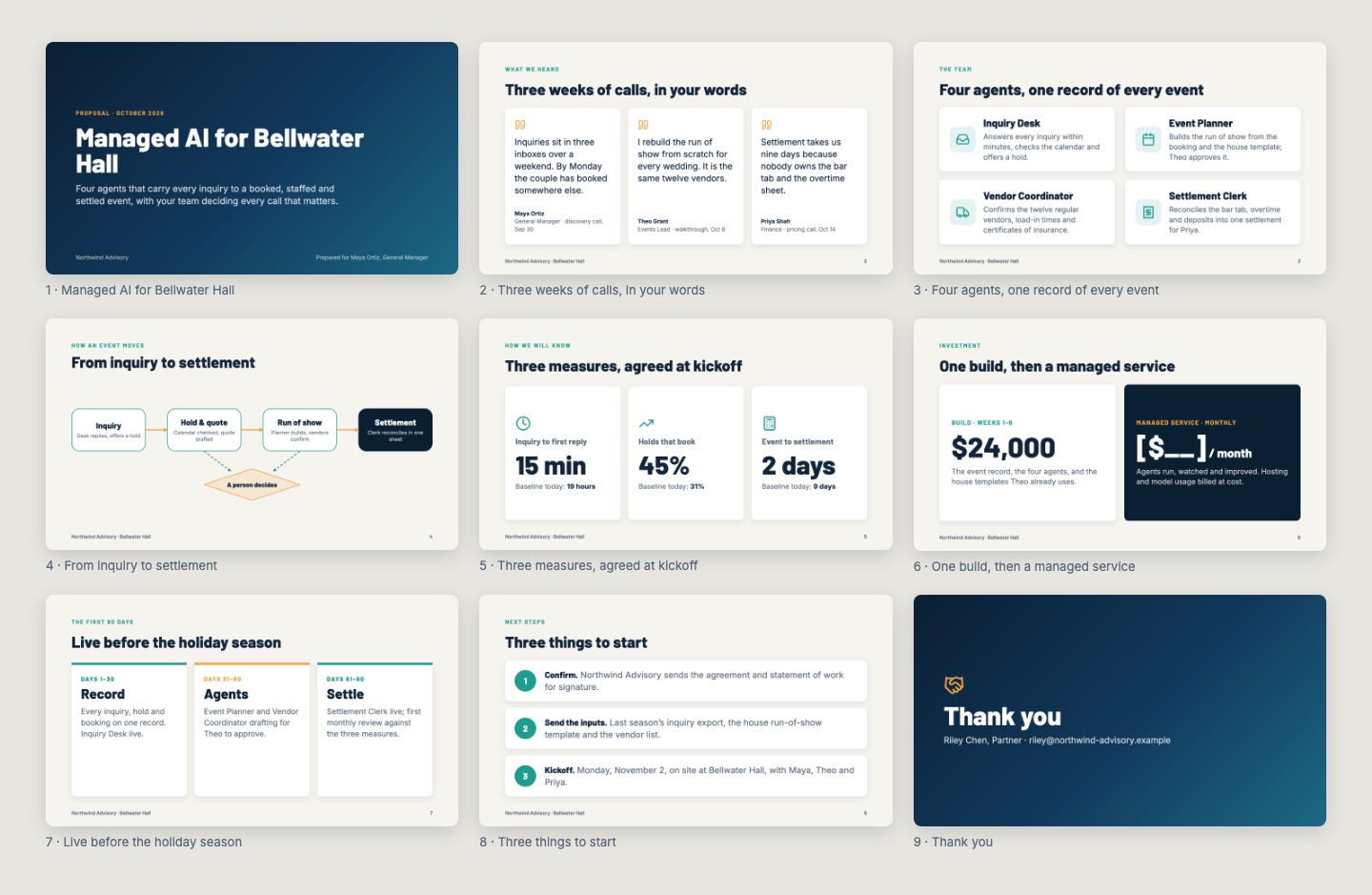
What shipped
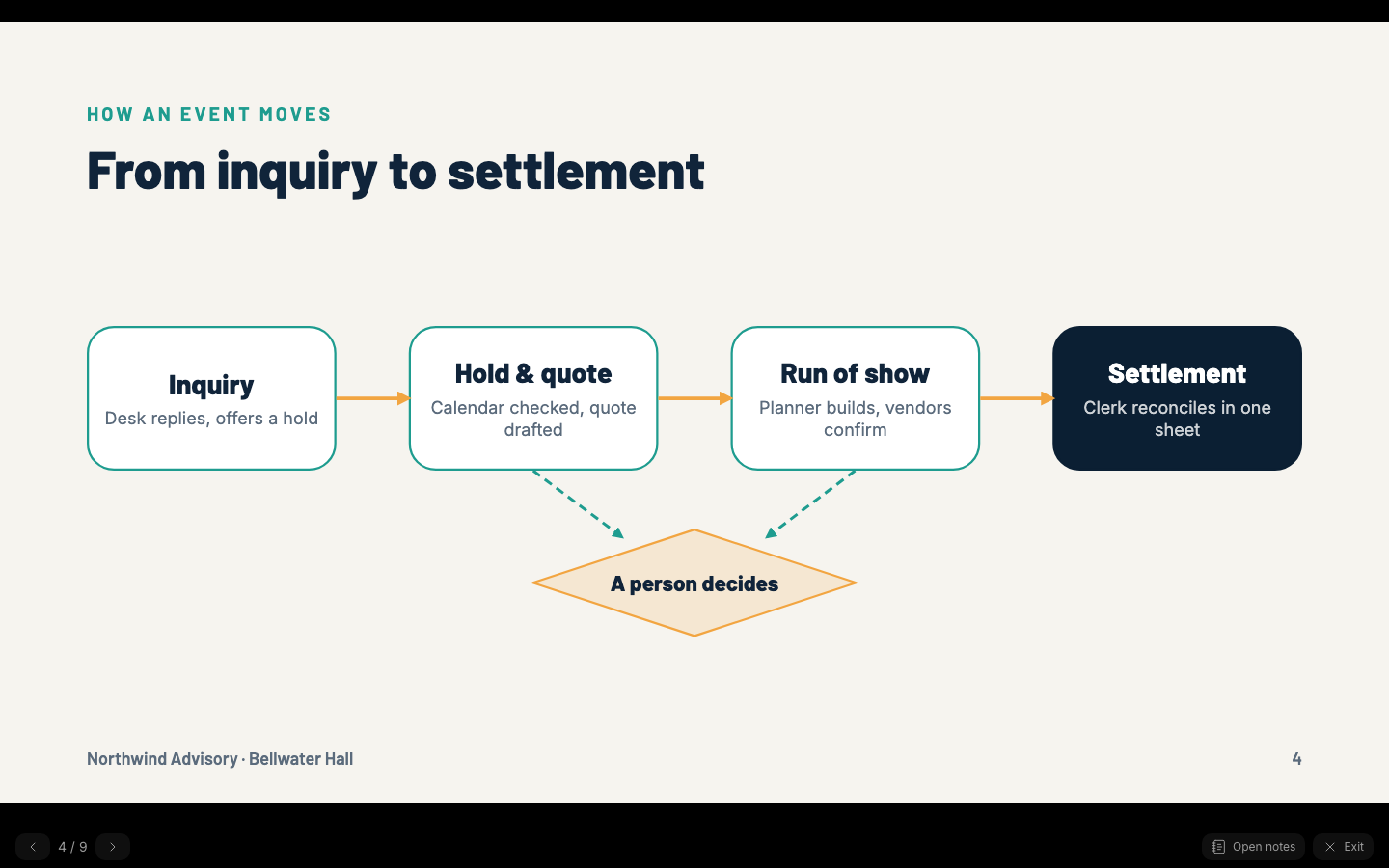
- A deck is an artifact. 16 slides, versioned with undo. Every create and every revision renders each slide in a real Chromium browser and audits it: content off the slide, text under 24 px, unresolved placeholders, missing speaker notes.
- The same gate as a document. The red team reads slide text and speaker notes before export. The export gate holds an agent's export on a blocking finding. A person who asks for the PDF gets it, with the finding as one line of advice.
- One board. The Proposals board lists decks and documents together, and they are filed to the same data room.
- A skill, not a template. The proposals plugin gains a generic
proposal-deckskill. Your workspace supplies its own slide library and house playbook: a concept deck before pricing, a priced proposal deck, or a case study deck where every number is traced and quotes are held for the client's approval. - Eleven tools.
render_deck,read_deck,edit_deck,verify_deck,export_deck_pdf,deck_checkout,deck_checkin,export_pptx,import_pptx,export_docxandimport_docx.
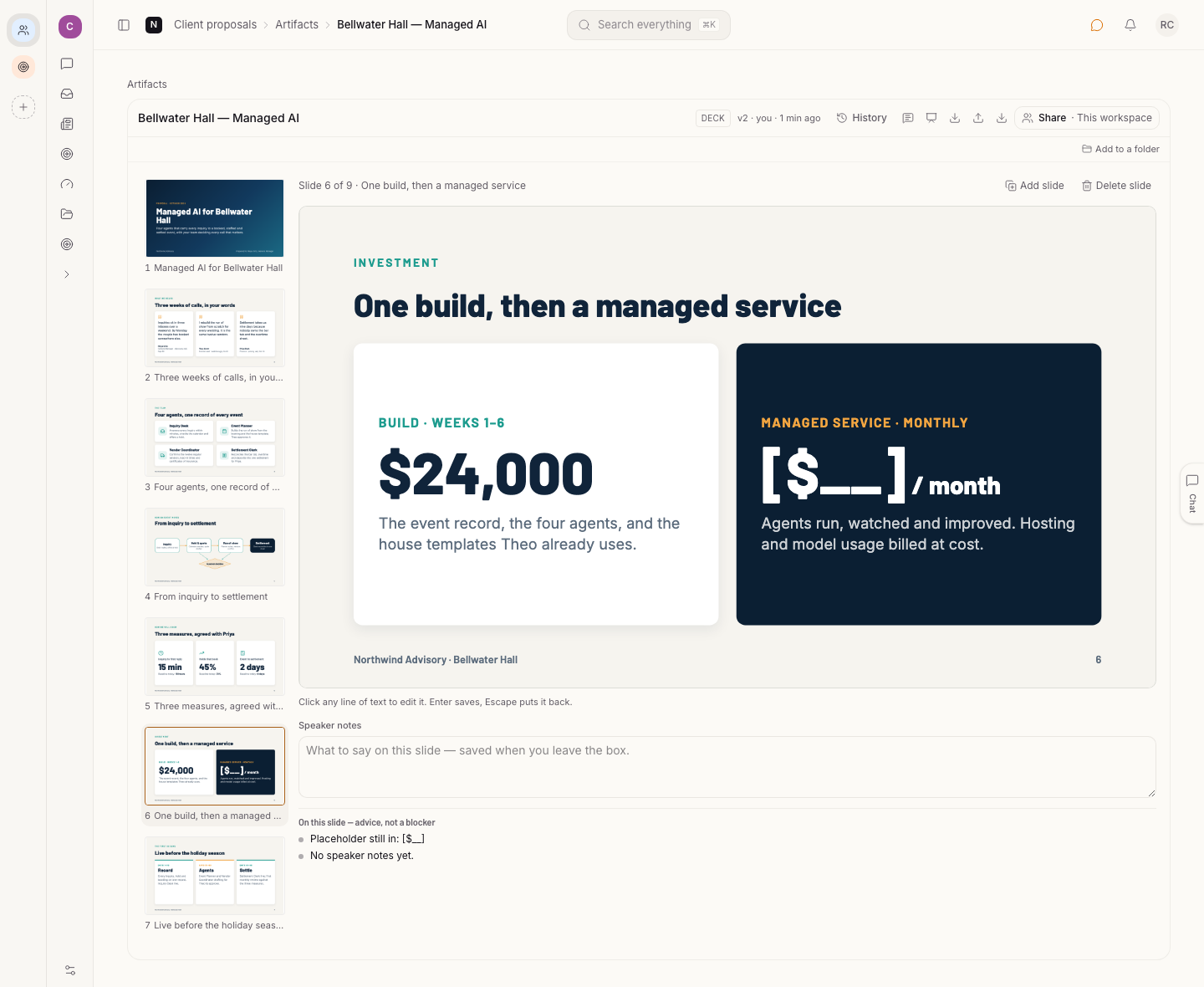
The audit is advice, not a stop. Above, the pricing slide still says [$__] and has no speaker notes, and the pane says so under the slide. The deck still prints.
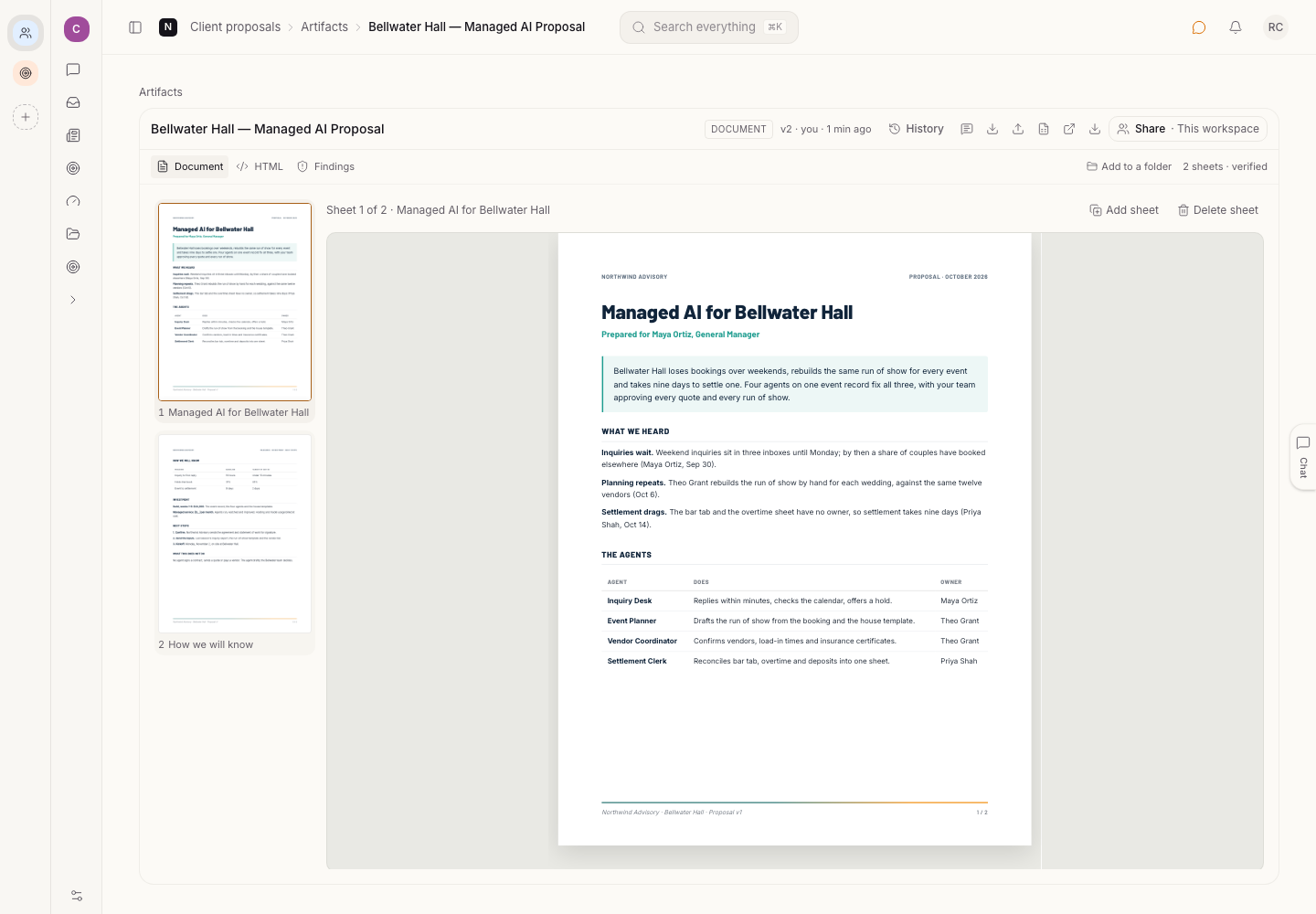
The written proposal for the same deal opens in the same pane, sheet by sheet.
Vocion is enough on its own
You do not need an outside editor, an account or a plugin to go from draft to a sent PDF.
- Vocion drafts the deck from the data room.
- You click text on the slide to change it, reorder slides, add one from your slide library, or ask in chat.
- You present it full screen, with notes in a second window.
- You print the PDF from Vocion's own renderer.
Each change is a version. Undo works.
The round trips
Some people live in PowerPoint, Word or Google. That is fine, and none of it is required.
- PowerPoint, Keynote and Google Slides. Export lays slides out as native objects. Import merges instead of replacing: text edits go back into your original slides, so the design survives. A slide you did not touch comes back byte for byte.
- Word, Google Docs and Pages. Documents export with a hidden bookmark on every paragraph. Edited text goes back into its sheet. A paragraph Vocion cannot place is listed in the report and never guessed into a sheet.
- Any assistant over MCP.
deck_checkouthands the deliverable over as files, anddeck_checkintakes it back. This works for Claude, ChatGPT or any other MCP client, and Claude Slides files import as they are.
Coming back is always a new version. Vocion re-renders and re-audits it and returns a report for each slide: kept, text edited, converted, added or removed. If someone changed the deck in Vocion while a file was out, the check-in is refused with a diff of what changed, and the person redoes their edit on top.
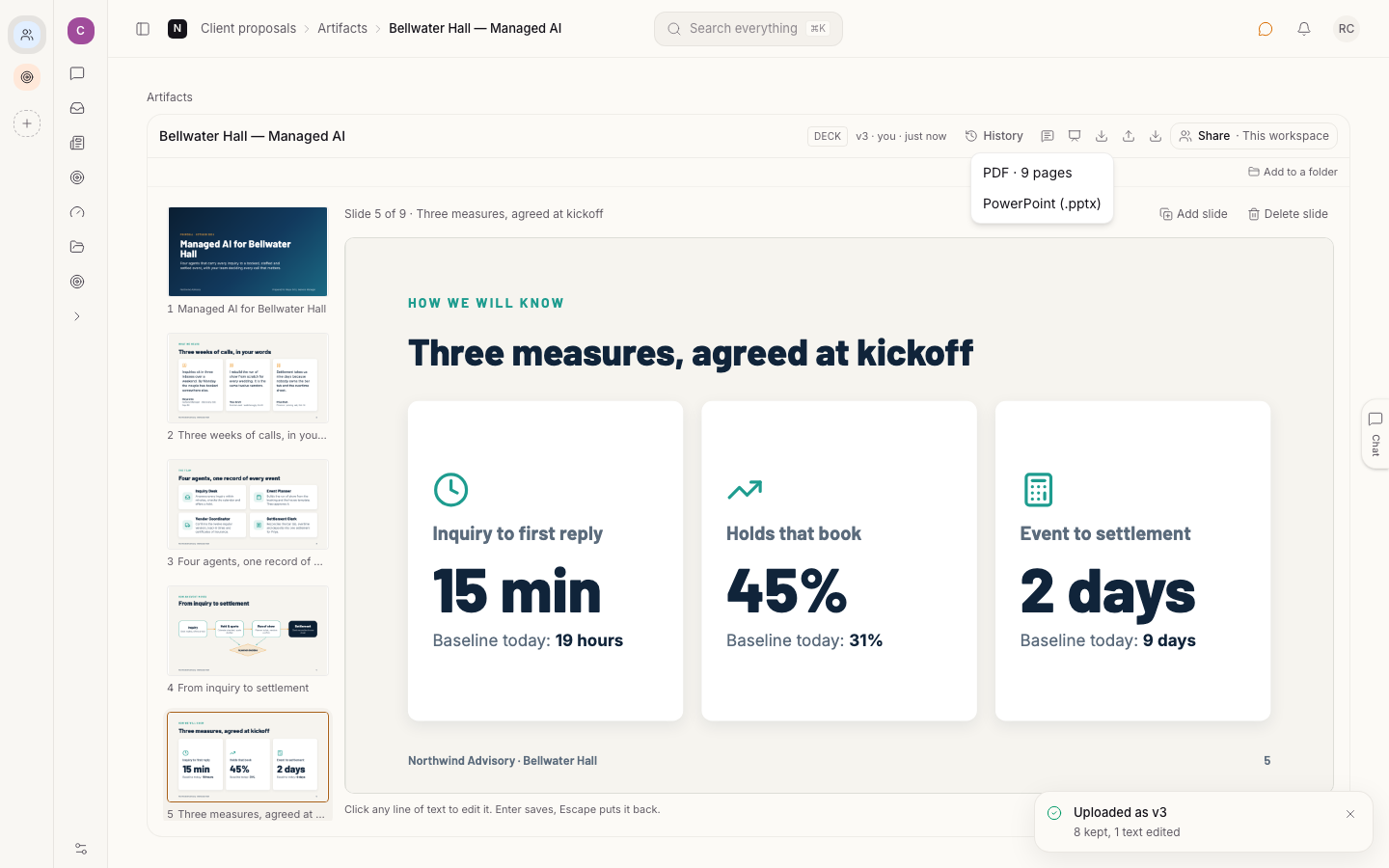
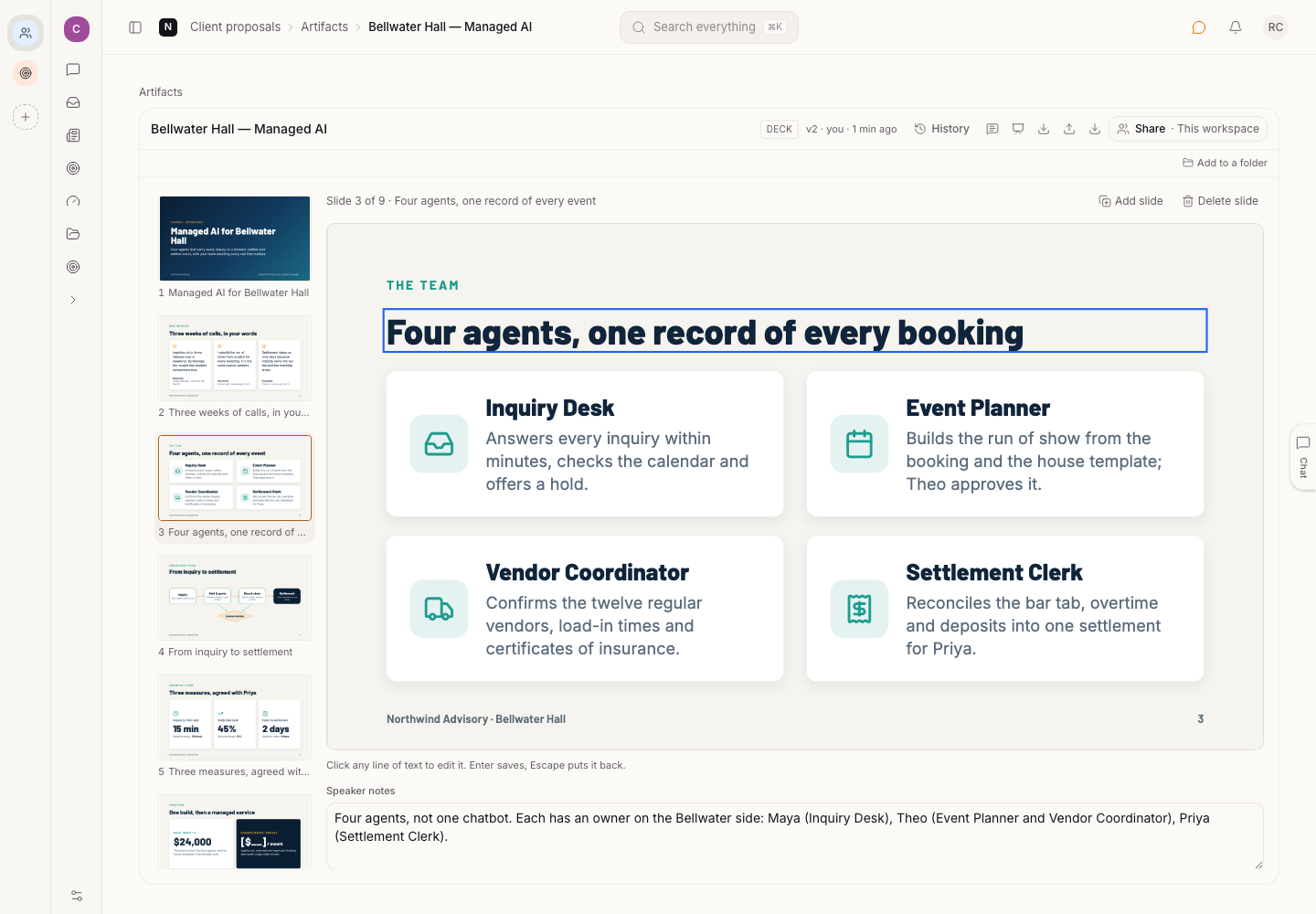
Above, the deck went out as a PPTX, one heading was changed in the file, and it came back as a new version: 8 slides kept, 1 text edited.
Some things do not survive a trip. Gradients, diagrams, icons and connectors are pictures in PowerPoint, so an edit to them does not come back. In Word, page geometry and class-driven colors are Word's to do. The docs list what is lossless and what is lossy for each adapter.
One obvious path
The PDF always comes from Vocion. An adapter is never on the path from draft to print, and no adapter is named in the core prompts. That keeps one copy of the truth, in Vocion, with every route out and back recorded on the version.
What is next
- Slide libraries and playbooks live in each workspace today. Tell us which kinds of deck your team builds most, and we will fold the common ones into the generic skill.
- Adapters are small and swappable, so another editor is a new adapter, not a change to the path to print.
Get it
Update to v7.3.0 or later. A workspace with plugins: [proposals] has decks already. Add your slide library and playbook to the workspace, then ask the Proposal Writer for a deck from a data room. The Decks and docs page shows how it looks.