Vocion 7.2: You can see when an agent is working
Vocion 7.2 gives the app one AI colour, the spark, shown only while an agent works. The page and sidebar separate, dark mode gets its own design, the theme follows your device, and every stack of agents opens each one.
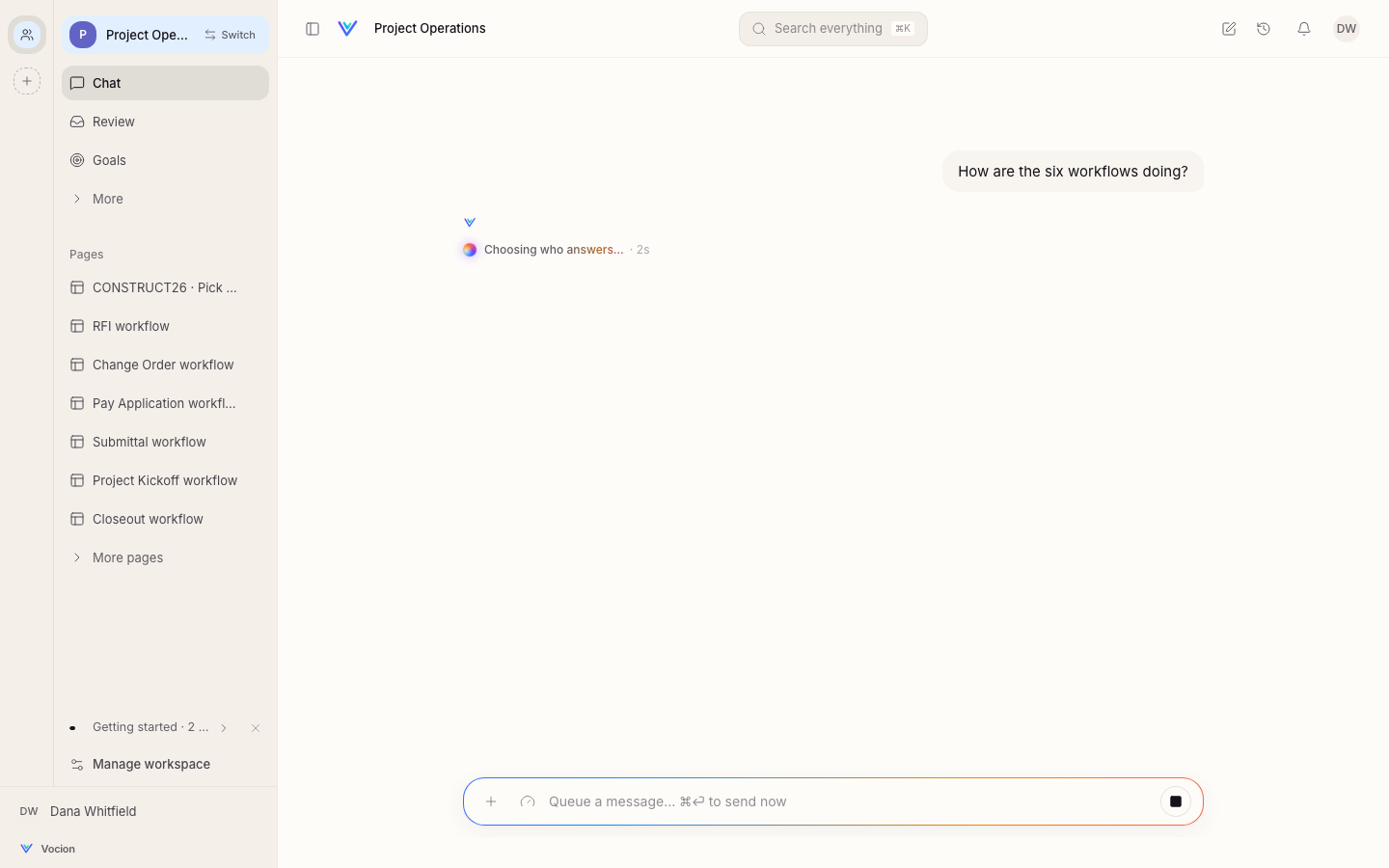
Status: shipped. #1389, cut as v7.2.0. No migration and nothing to configure.
A person using Vocion should know at a glance whether an agent is doing something for them. Before this release, the moment an agent was working was the quietest thing on the screen: a grey line of small text. Now it is the only thing on the screen with colour.
What you'll see
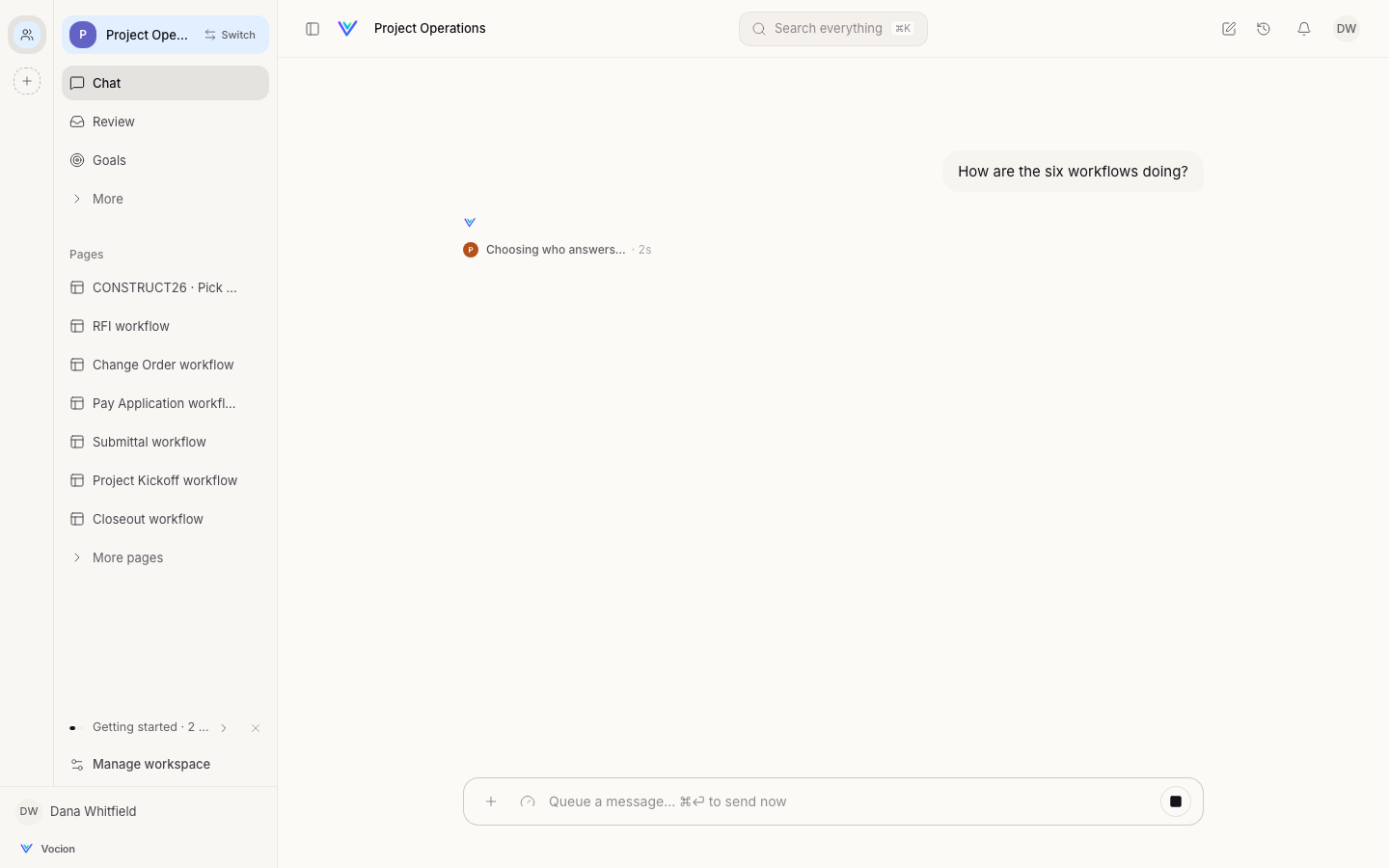
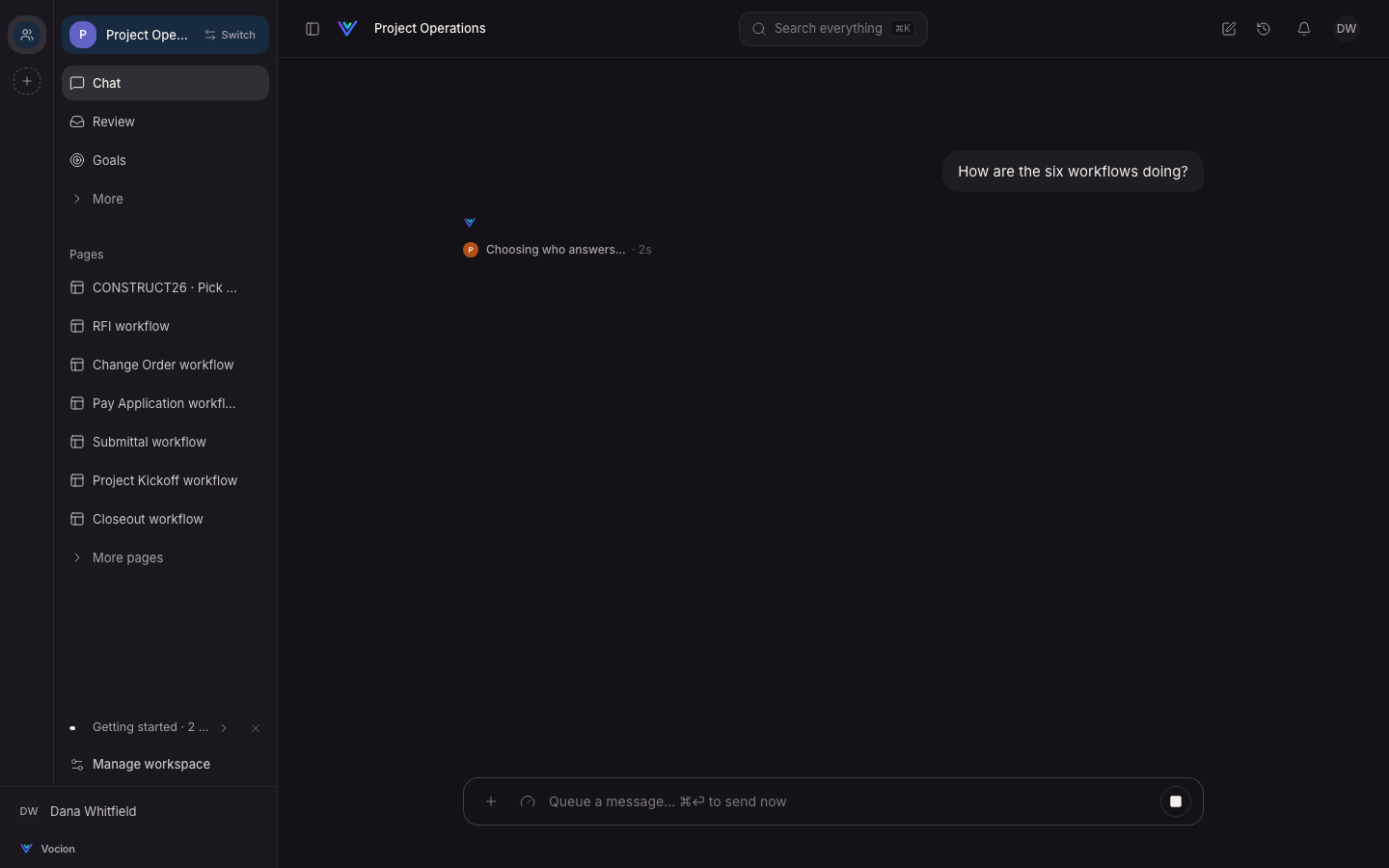
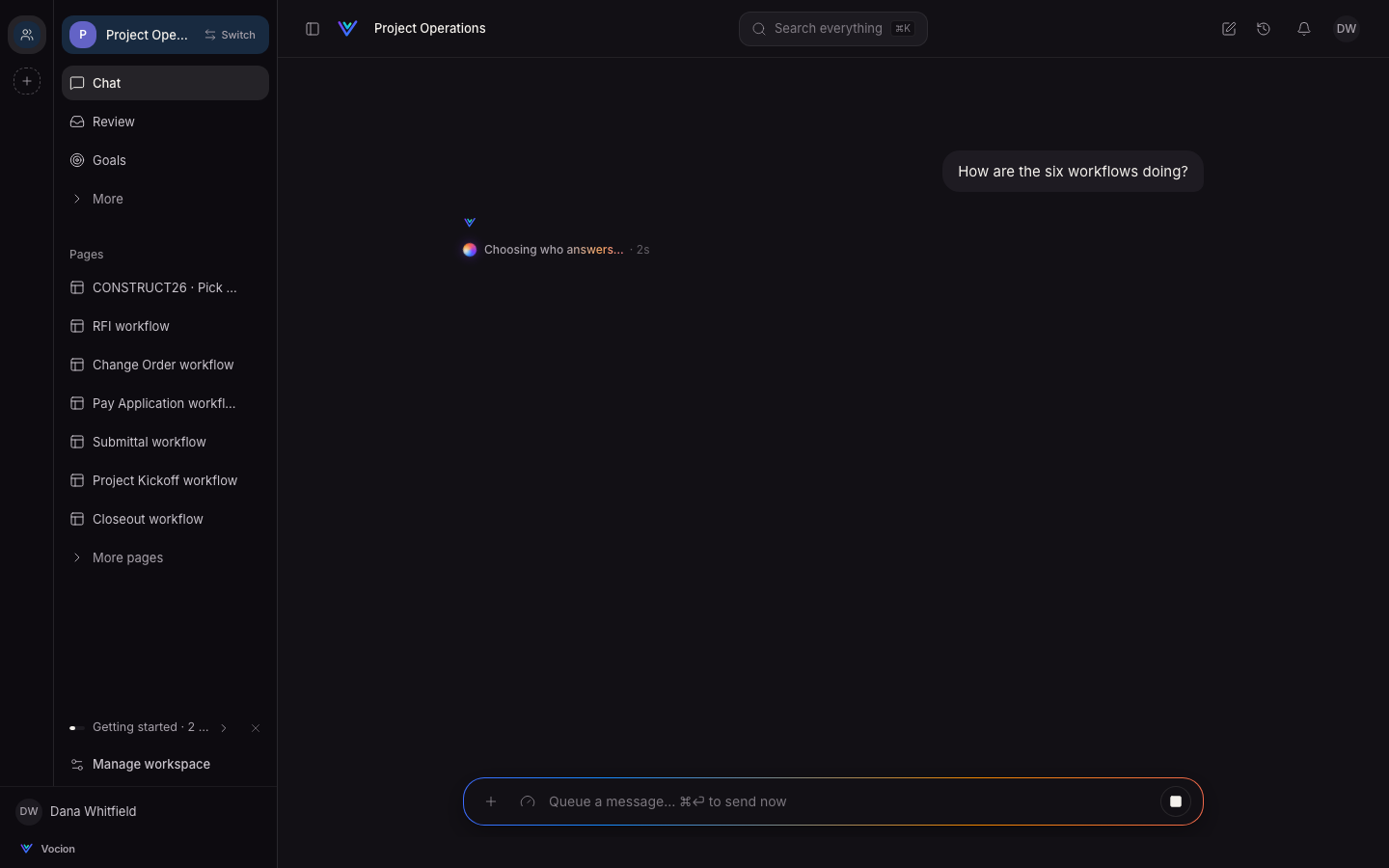
- The spark. Vocion has one AI colour, amber into rose, violet and blue. It shows only while an agent works. The turn's live line gets a turning orb, and its words shimmer in the spark as they say what the agent is doing.
- The composer while a turn runs. Its edge becomes the spark until the turn finishes. You can still type: Enter queues your next message, ⌘⏎ sends it now.
- What changed, flashed. When a turn edits something on the page, that part washes rose into violet for two seconds, so your eye lands on it.
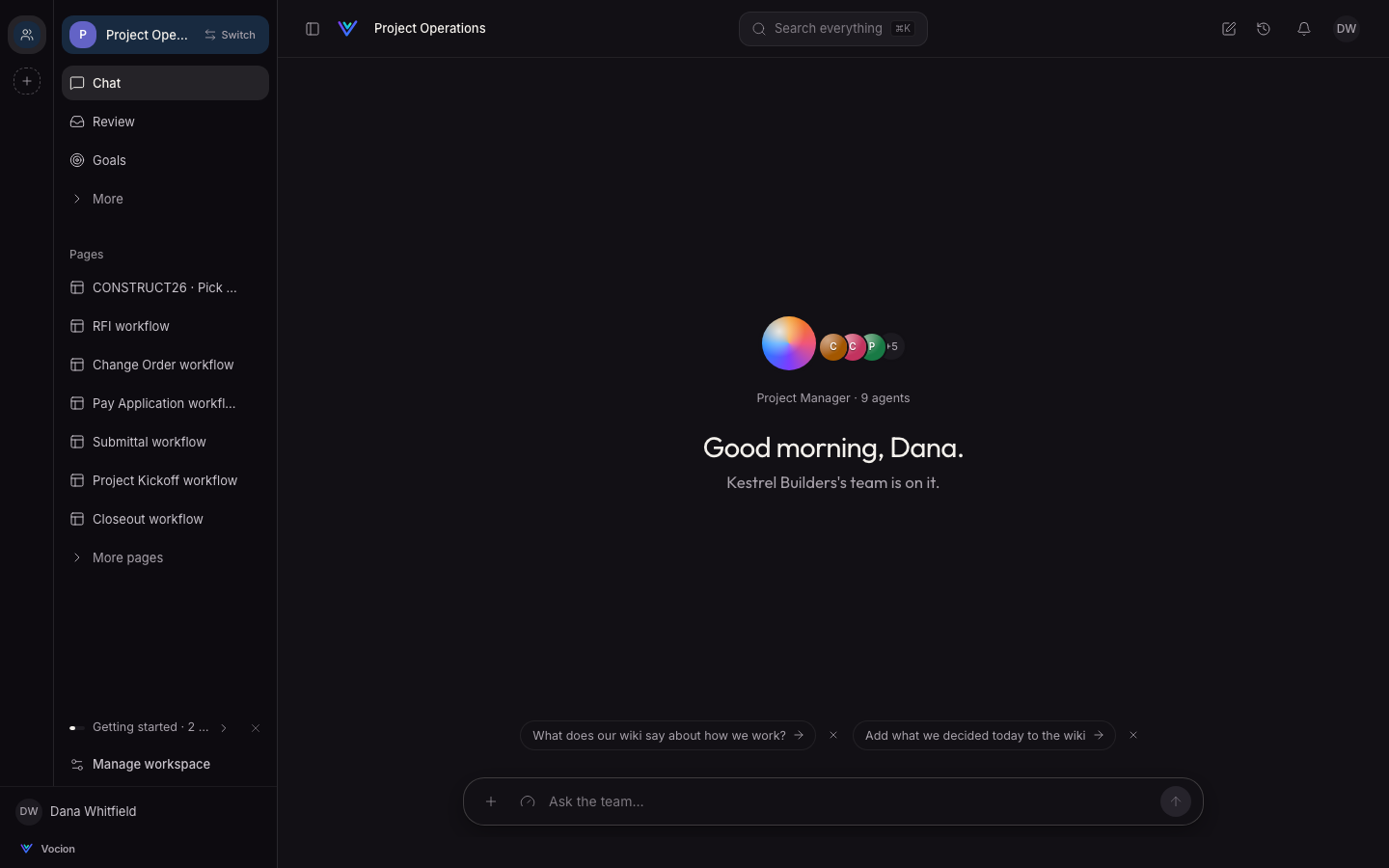
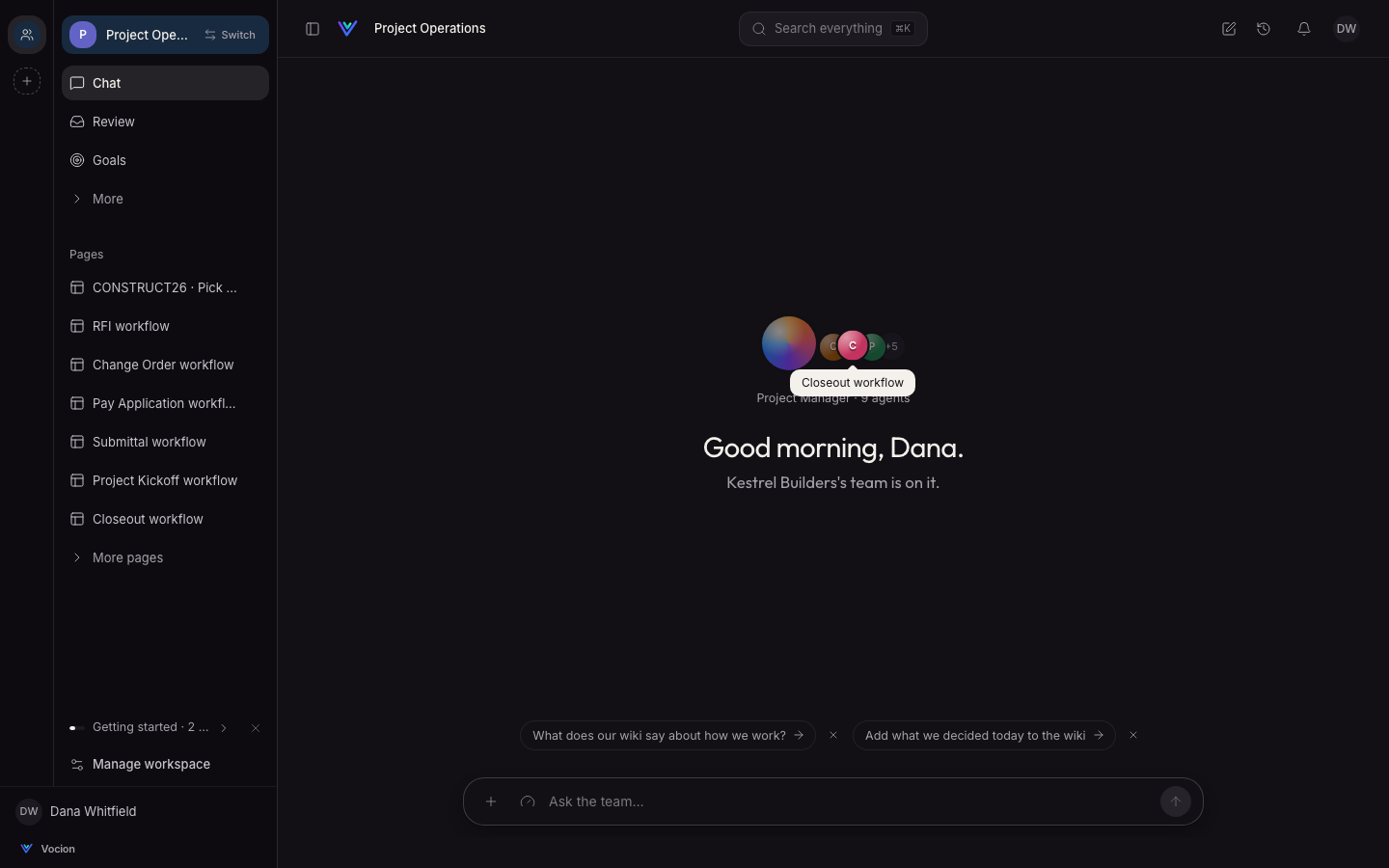
- No colour when nothing is working. Suggestion chips lose their orange dots, and the empty chat's lead agent is the spark at rest. A branded Org keeps the spark too. The Org's colour stays on its logo, links and focus ring.
A calmer canvas
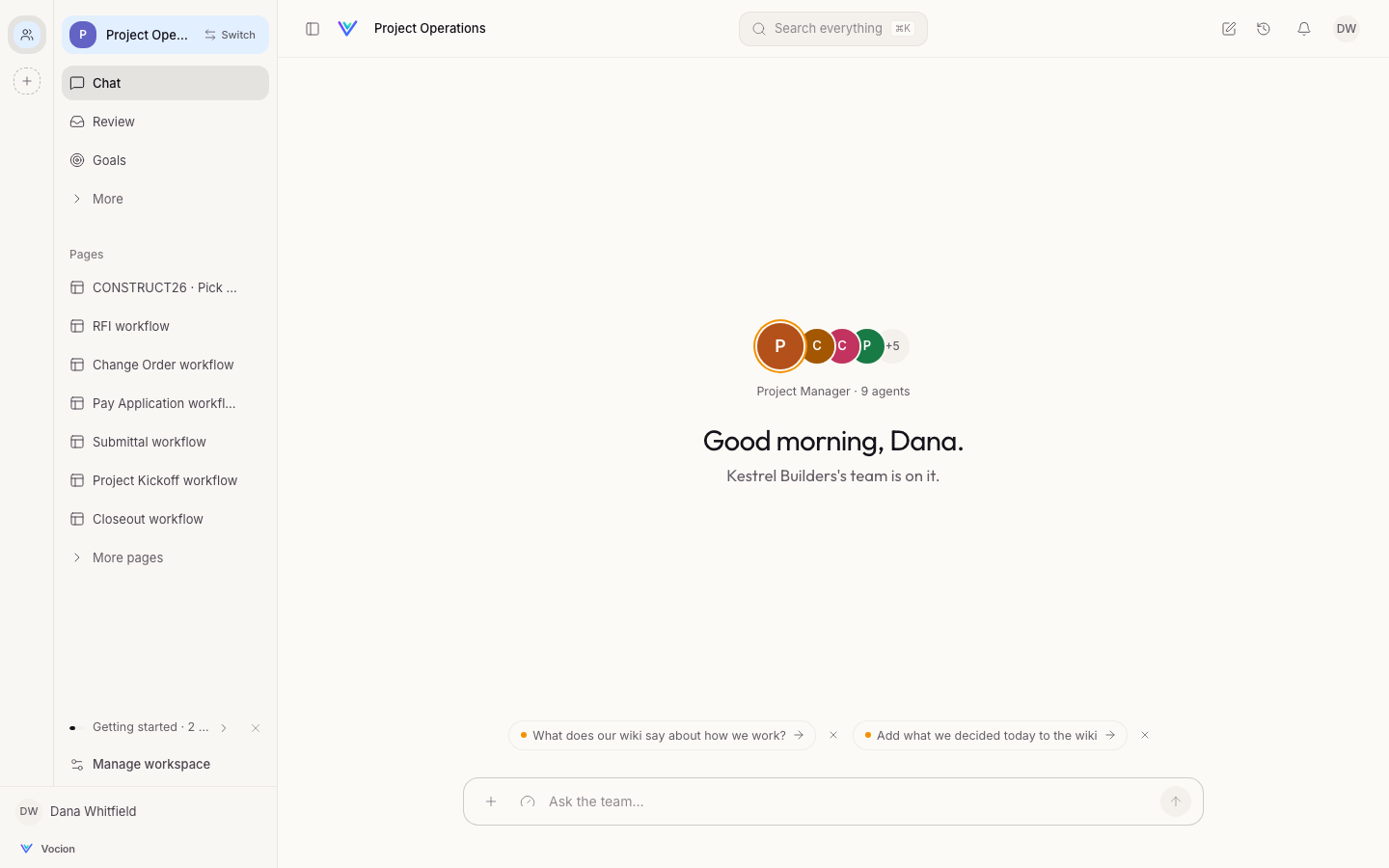
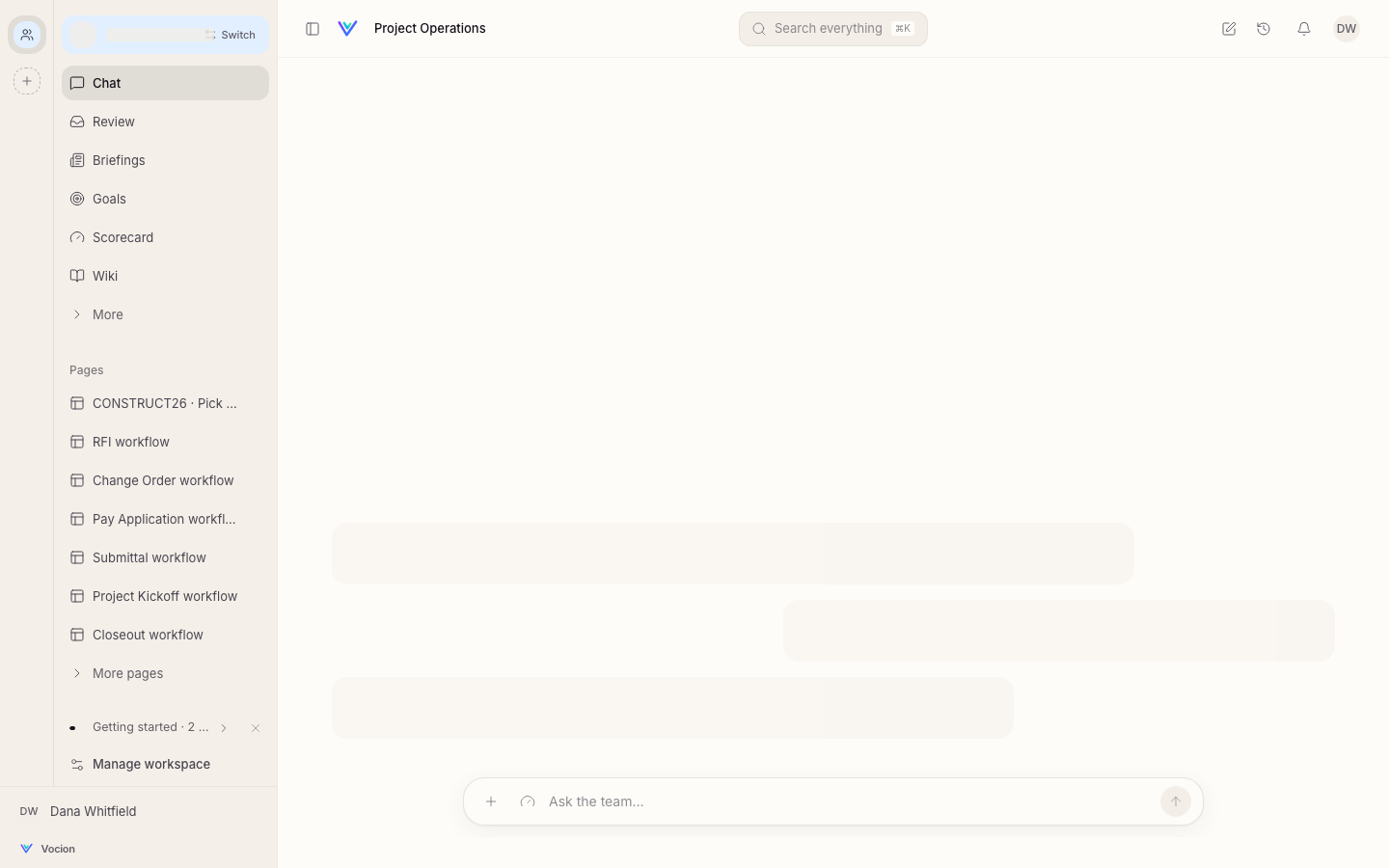
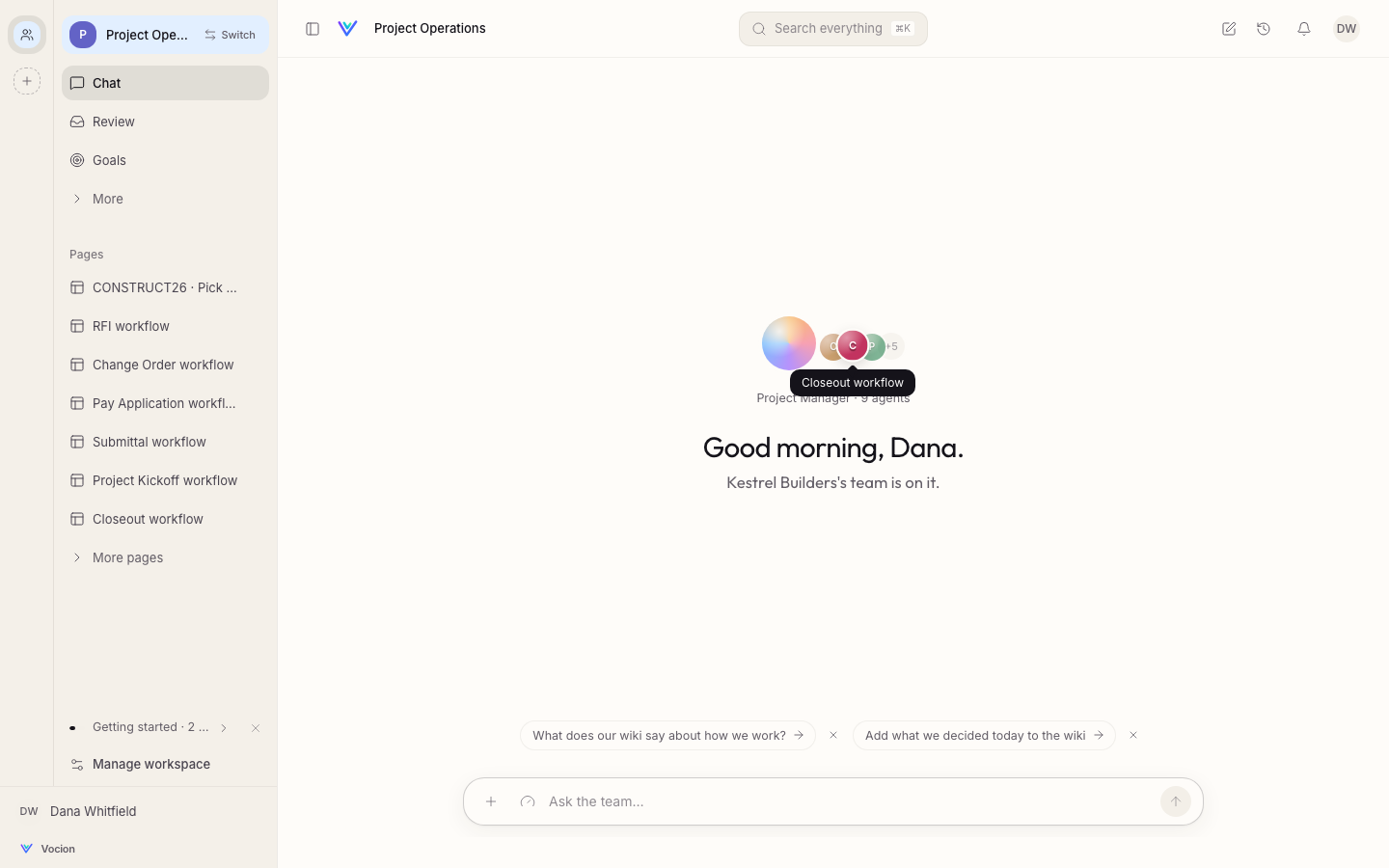
The page is now a step brighter than the sidebar, so your work reads as a sheet on the app's chrome. Before, both were the same cream and nothing separated. The palette stays warm.
Dark mode got its own design instead of an inversion: a deeper warm near-black, with the sidebar darker than the page.
The theme now follows your device until you pick one. Light, Dark and System are one click each, in the menu under your initials (top right).
Agents you can open
Agents keep the colour they're given with accent:, now drawn as small lit orbs. Wherever agents are stacked, such as a new chat or a team's row on the team report, hover or tab to one. It comes forward, the others dim, and its name appears. Click it to open its profile. +N opens the whole team.
Get it
Update to v7.2.0 or later. Nothing else changes: no migration, no settings, no workspace apply. The rule for using the spark is in vocion-core's docs/design/patterns.md, under "The spark". Read it before you add colour to a page.